Fingerprint Readers
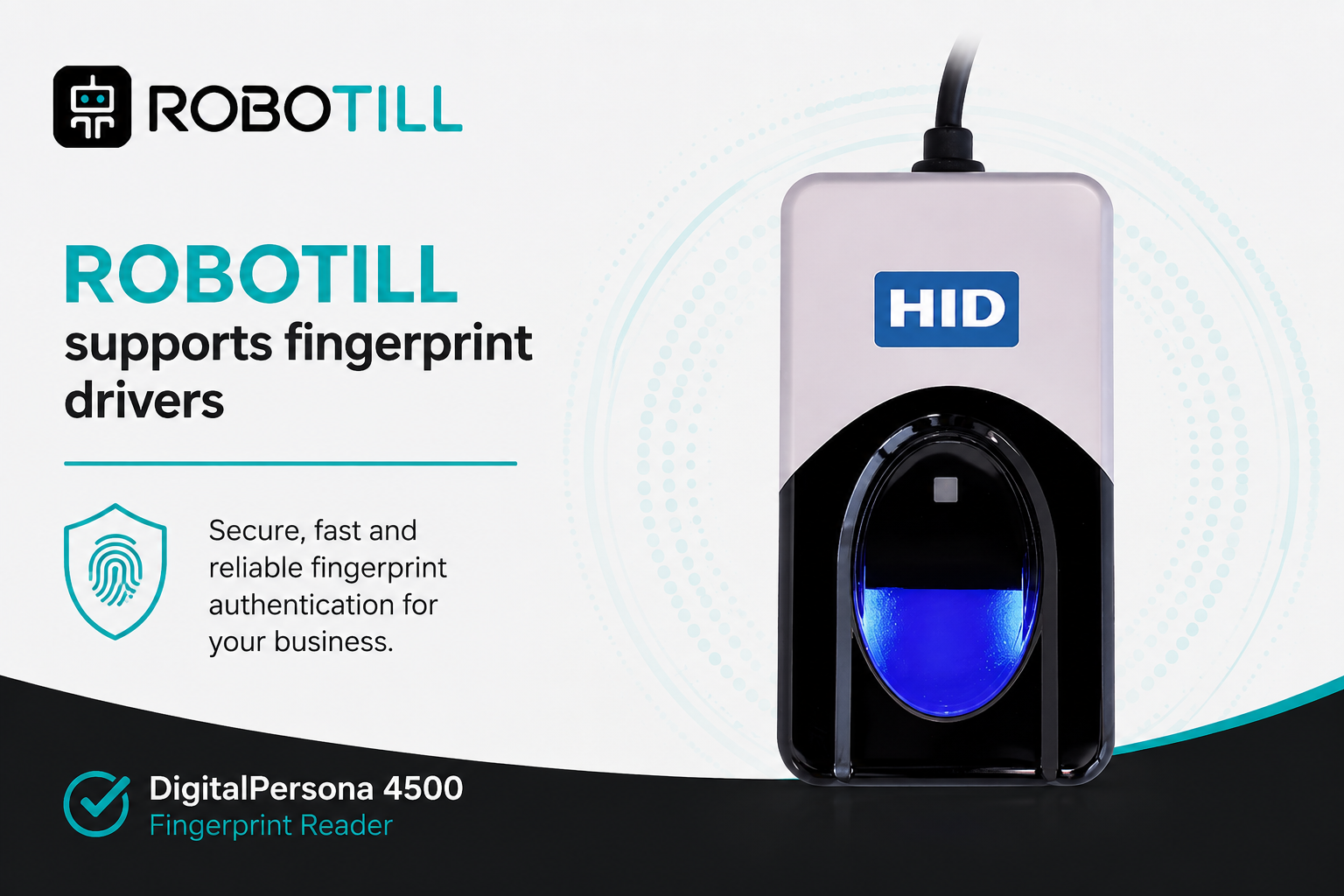
ROBOTILL supports fingerprint authentication for users such as cashiers, salespersons and waiters.
Fingerprints can be used to identify users when logging in and when performing other tasks that require user identification.
ROBOTILL currently supports the DigitalPersona 4500 USB fingerprint reader.
Other fingerprint reader models are not currently supported.
Installing the Fingerprint Reader
The DigitalPersona 4500 is a plug-and-play USB device.
Windows will normally install the required device driver automatically when the reader is connected.
If Windows does not detect the fingerprint reader correctly, you can download the required DigitalPersona software from the
ROBOTILL Download Page.
After downloading the DigitalPersona software, run the x64 or x86 setup file that matches your version of Windows.
Restart the computer after the installation has completed.
Enable Fingerprint Reader Support in ROBOTILL
In ROBOTILL Back Office, go to Home > Setup and Settings > Settings > General Settings.
Set Use fingerprint readers to Yes.
Registering User Fingerprints
In ROBOTILL Back Office, go to Home > Setup and Settings > Users.
Select the user you want to set up and click Edit.
Go to the Fingerprints tab.
Select the finger you want to register and ask the user to place that finger on the fingerprint reader.
Repeat the process for any additional fingers you want to register.
You can register all 10 fingers for a user, but only one registered fingerprint is required to use fingerprint authentication.
Registering more than one finger is recommended so that the user has an alternative if a particular fingerprint cannot be read.
Using the Fingerprint Reader
Once fingerprint reader support has been enabled, users with registered fingerprints can identify themselves by scanning
their finger in the ROBOTILL POS applications.
Fingerprint identification can be used for login and for other functions that require user identification,
such as table selection and security overrides.
Users can still use their PIN if their fingerprint cannot be read or if there is a problem with the fingerprint reader.
Fingerprint reader problems: If the reader is unavailable or fingerprint capture cannot be started,
follow the fingerprint reader troubleshooting steps.